NHS APP
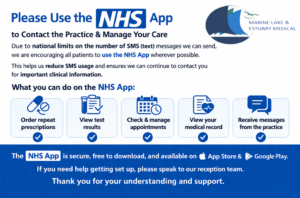
Liverpool City Region Combined Authority run a Digital Inclusion Programme that helps people of all ages with Digital and Online support. You can find their help guides by following the link below, there is an NHS App guide in there as well.
Digital Inclusion | Liverpool City Region Combined Authority
REMINDER ; Some Wirral libraries have volunteer ‘Digital Champions’ who will help people with Digital issues such as the NHS App. It is a Drop-in service and definitely worth giving your local library a ring to check any availability.
Below are some links that you may find useful to help with our NHS App ;
Help with using the NHS AppSetting up the NHS App
! Contact the NHS App and Account team !
In the NHS App, you can see messages from your health care providers to make sure you get a notification when you have received a new message in your inbox.
Your notification settings need to be turned on in your phone.
To do this, go to your account and select Settings.
Then select Manage Notifications.
Select go to Device Settings.
Select Allow notifications.
Once you’ve enabled notifications on your device, you need to reopen the NHS App.
Doing this confirms that you have registered to receive notifications.
For more information, go to nhs.uk/nhs-app.
